BonusLink Modernizes Customer Engagement with Amazon Connect & Zendesk

Datasleek helped BonusLink transform its legacy contact center by migrating from Genesys to Amazon Connect and integrating Zendesk into a unified agent workspace. The new solution improved customer service, increased agent productivity, and created a scalable platform ready for future innovation.

Download Case Study

Case Study

The Challenge

Why BonusLink needed to modernize its contact center.

BonusLink’s customer support agents relied on multiple disconnected systems to manage customer interactions. This resulted in longer response times, increased manual work, and reduced operational efficiency. The organization needed a modern cloud-based platform that could simplify agent workflows while delivering a better customer experience.

The Challenge

  • Modernize the legacy contact center
  • Migrate from Genesys to Amazon Connect
  • Integrate Amazon Connect with Zendesk
  • Provide a unified agent workspace
  • Improve customer response times
  • Increase agent productivity
  • Enhance reporting and visibility
  • Build a scalable cloud-native platform
Our Solution

How Datasleek transformed the customer engagement platform.

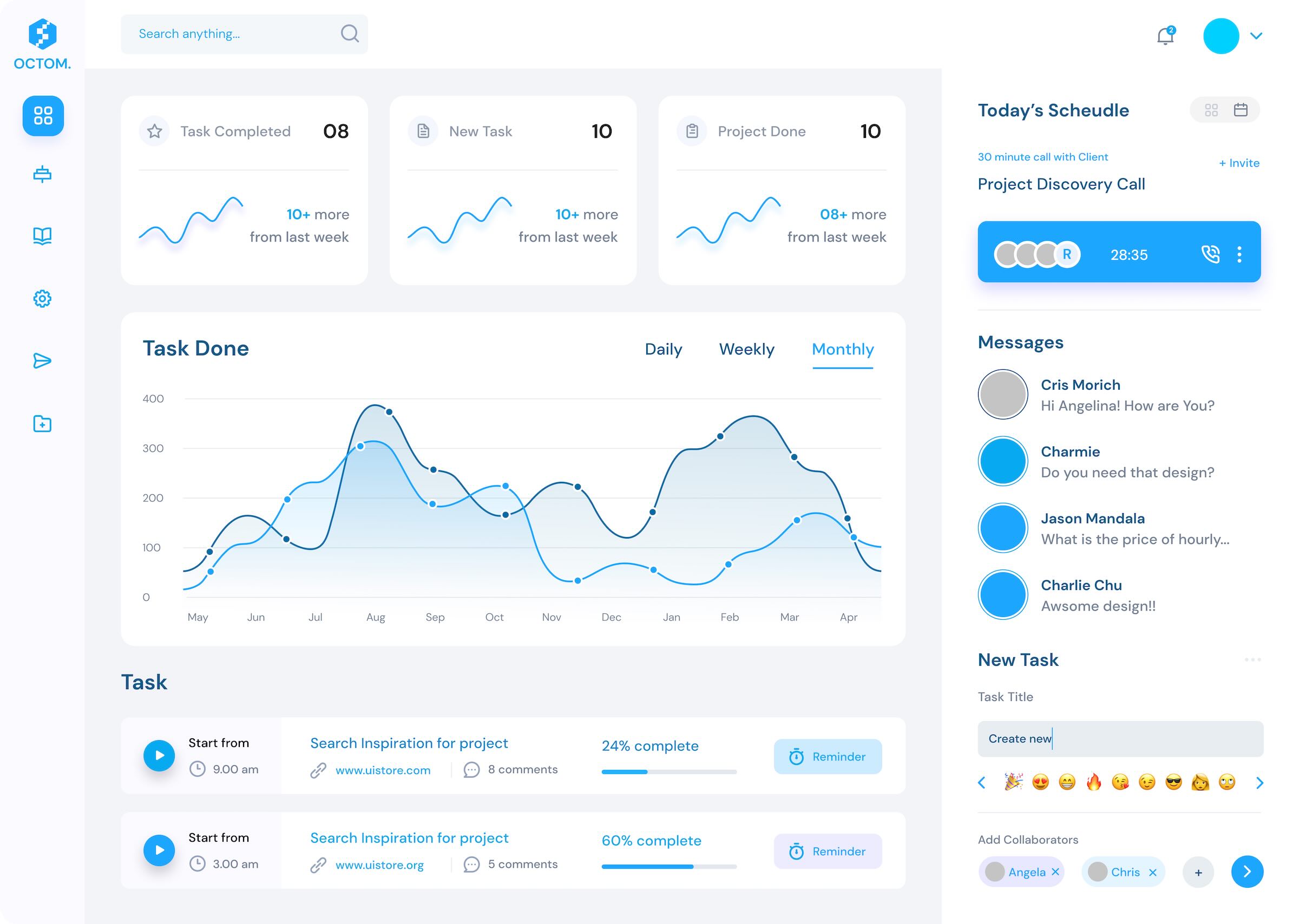
Datasleek designed and implemented a fully integrated customer engagement platform powered by Amazon Connect and Zendesk. By combining voice, customer data, ticket management, and reporting into a single workspace, agents could resolve customer issues faster with greater efficiency.
Solution Highlights

  • Amazon Connect Migration
  • Zendesk Integration
  • Unified Agent Desktop
  • Customer Screen Pop
  • Intelligent IVR & Call Routing
  • Backend API Integration
  • Custom Contact Flows
  • Omnichannel-Ready Architecture
  • Real-Time Dashboards

A step-by-step view of the customer interaction journey.

Step 1

Customer contacts BonusLink through the contact center.

Step 2

Amazon Connect intelligently routes the interaction to the right support agent.

Step 3

Zendesk automatically displays the customer’s profile, history, and open tickets.

Step 4

The agent manages the interaction, updates tickets, and resolves issues from a single interface.

Step 5

The system automatically logs interactions and updates reporting dashboards in real time.

The features that improved customer and agent experiences.

Unified Agent Desktop

One workspace for calls, customer information, and ticket management.

Customer Screen Pop

Customer details appear instantly when a call is received.

Intelligent Call Routing

Calls are directed to the most suitable support agent.

Zendesk Integration

Tickets can be created and managed without leaving the agent desktop.

Automatic Interaction Logging

Every interaction is recorded automatically for complete visibility.

Custom Reporting

Real-time dashboards provide operational insights and performance metrics.

The overall business outcomes achieved after implementation.

Increased Productivity

Agents spend less time switching applications and more time helping customers.

Faster Issue Resolution

Unified customer information enables quicker and more accurate support.

Reduced Operational Effort

Automation minimizes manual tasks and improves workflow efficiency.

Better Decision Making

Real-time dashboards provide actionable insights into contact center performance.

Future-Ready Platform

Cloud-native architecture supports business growth and future AI-powered capabilities.

AWS services, integrations, and supporting technologies.